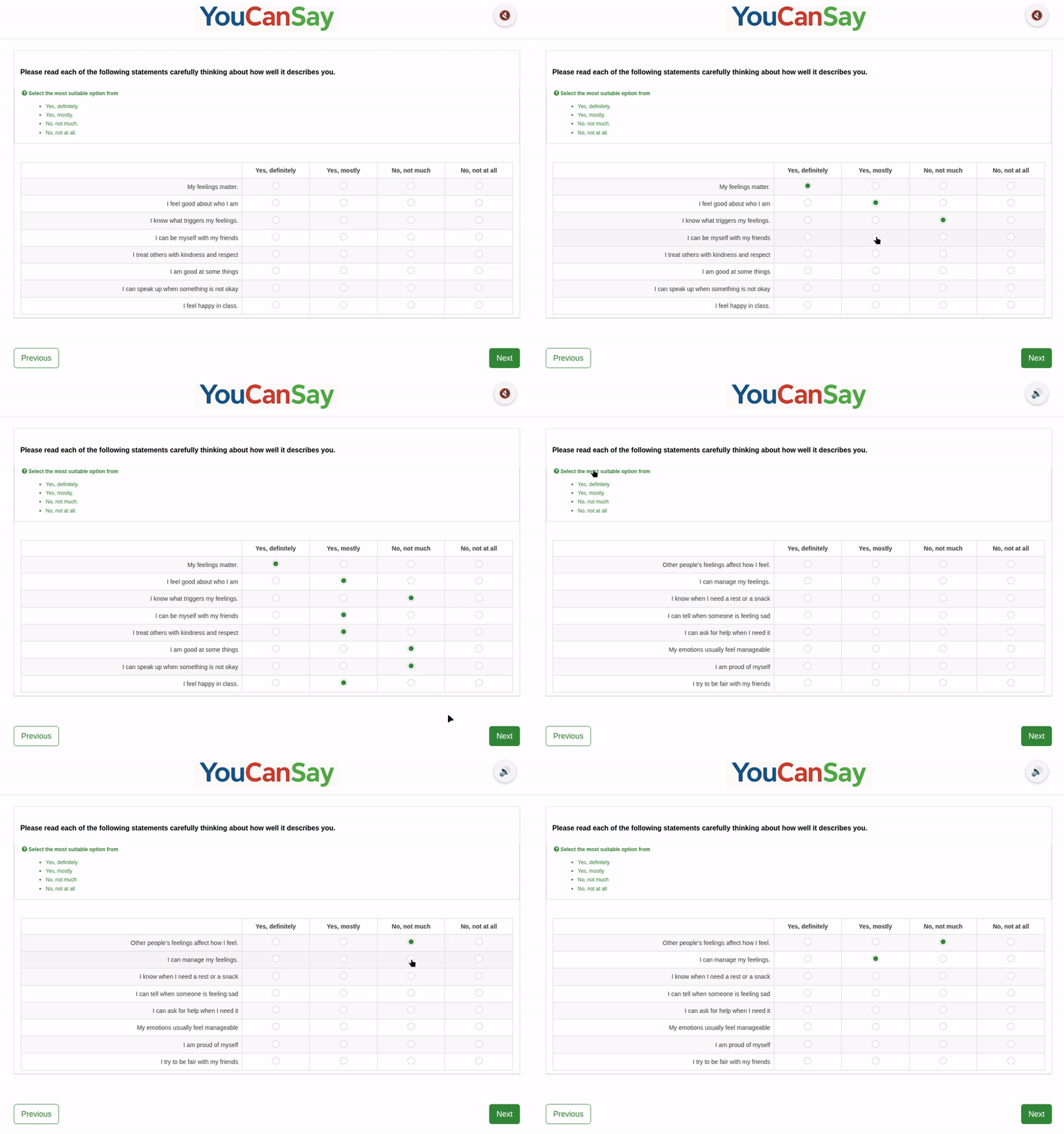
Setting up a survey
Firstly we need to choose the survey, set the welcome message, dates and how many responses we hope for.
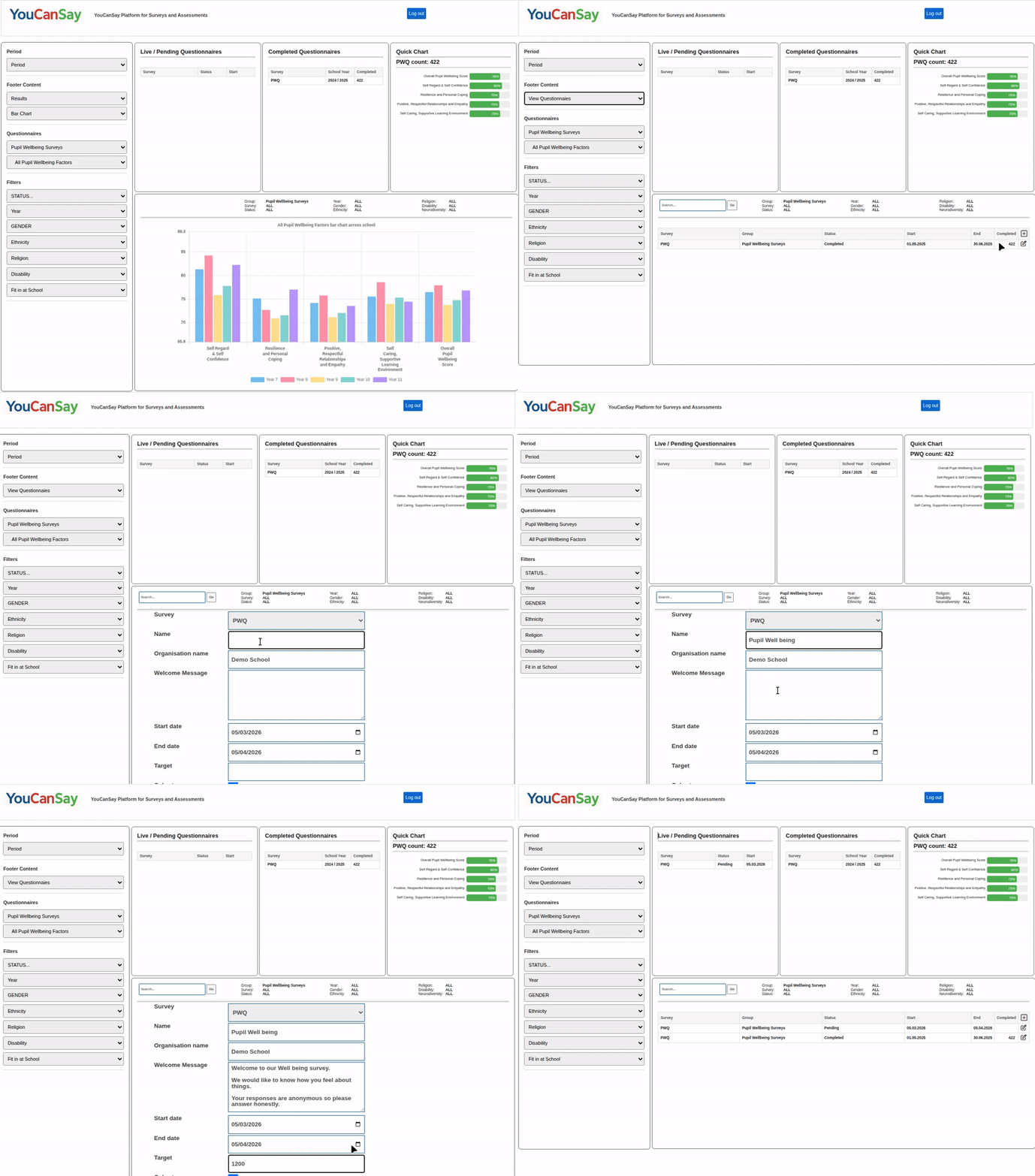
Setting up a survey
Next we need to set up our Year and Class options, your default options are used but they can all be tailored for each survey.
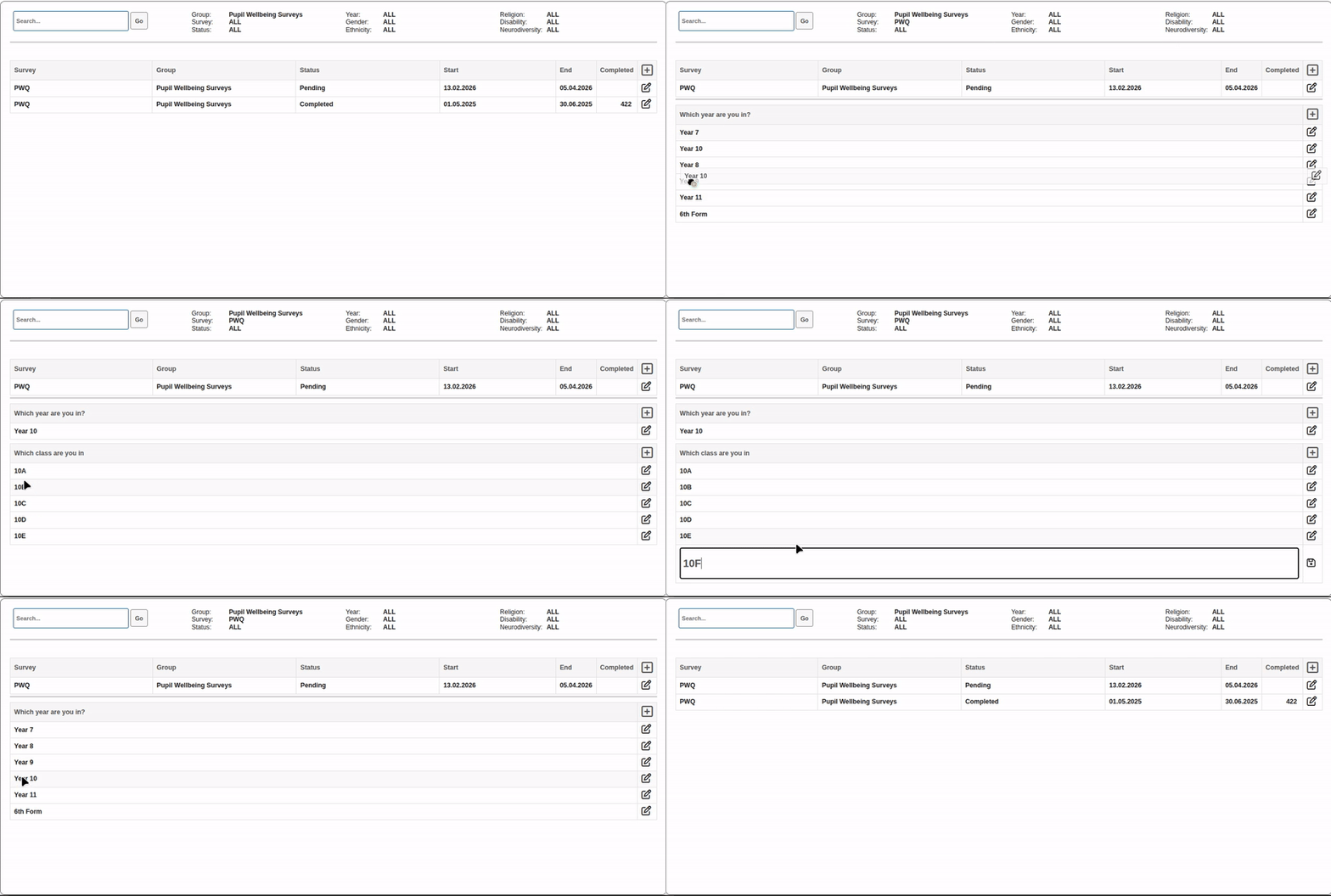
Setting up a survey
Finally you need to let the children know where to go to complete the survey, here you have the links and the QR code, which takes you to the questionnaire launch page.
Doing the survey
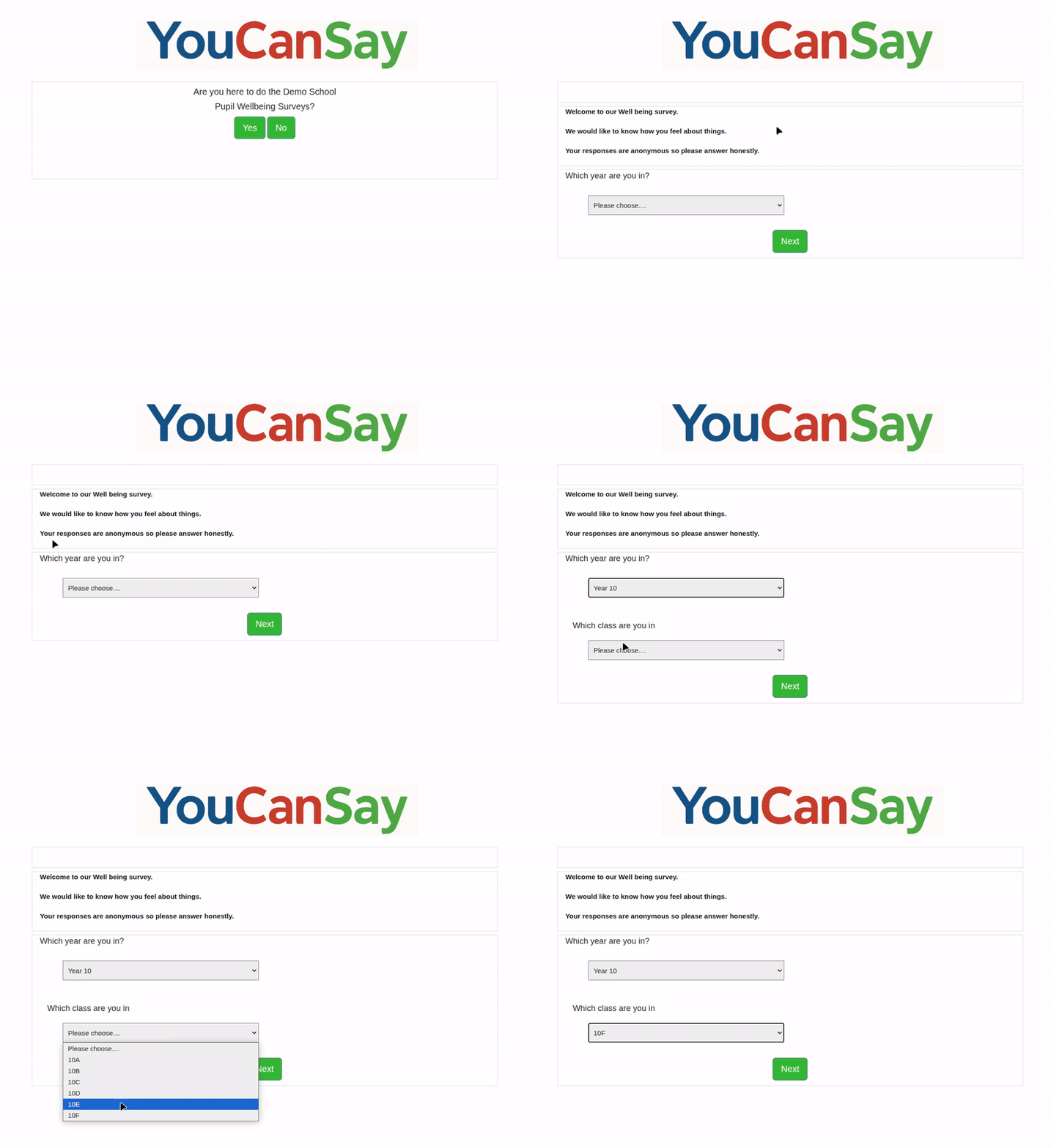
This is there introduction page where they canagree they are doing the correct survey and then choose their year and class, lets choose our new class 10F
Doing the survey
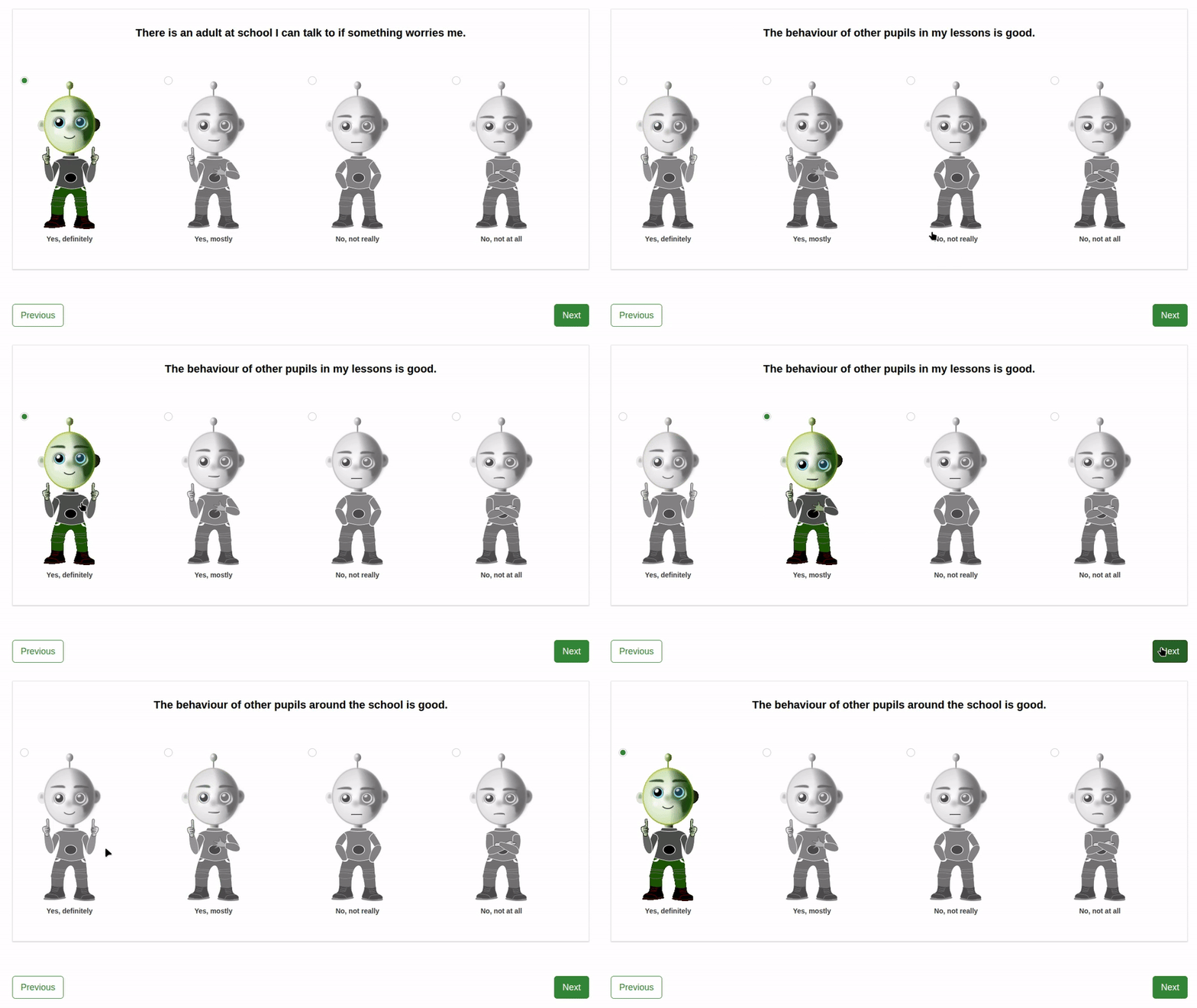
This is a questionnaire for primary school children, it's engaging, animated with text to speech to make it as accessible as possible for younger children. Questions are read out automatically and repeated when clicked on.
Doing the survey
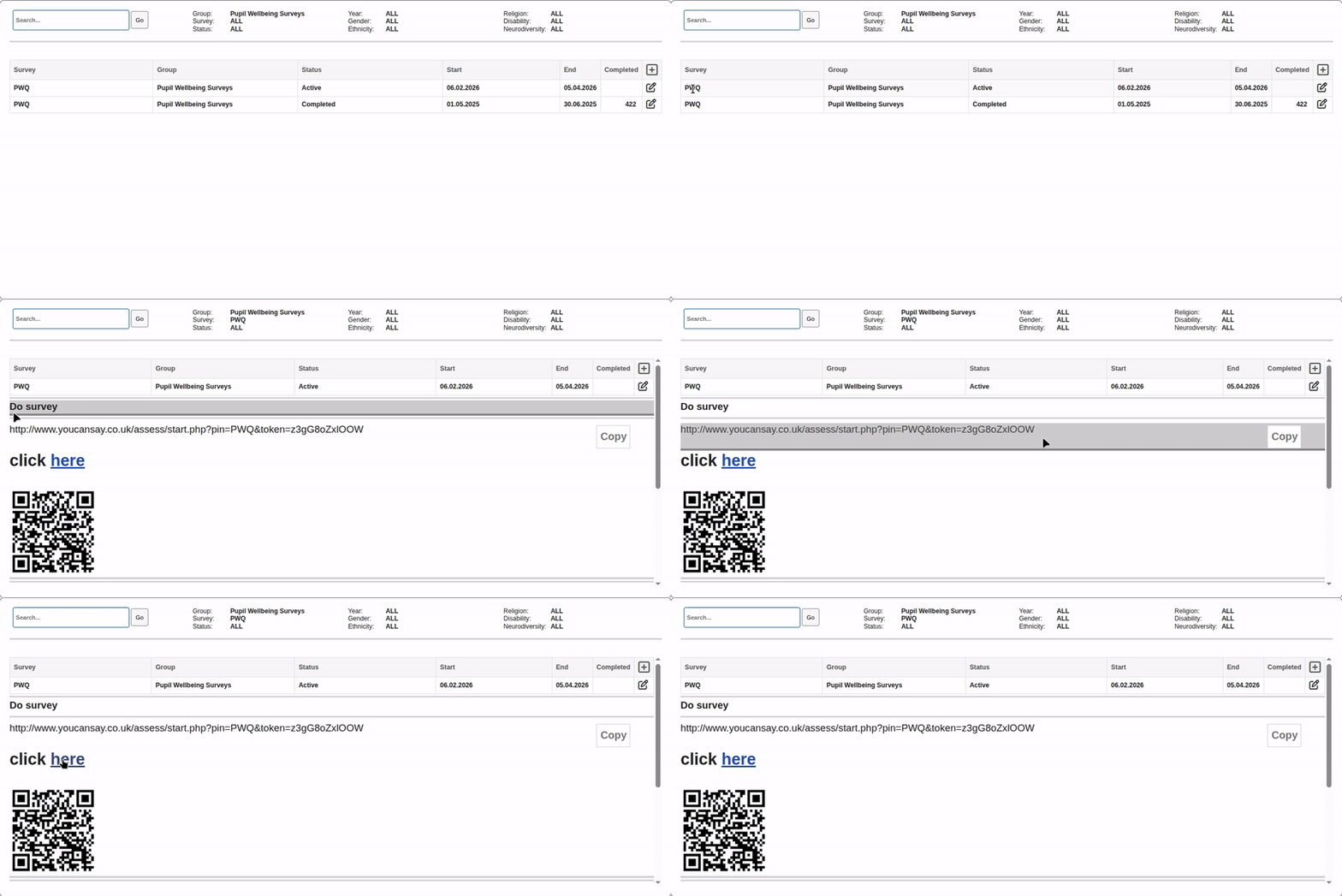
This is a questionnaire for secondary school children, it's more appropriate for older children but does have the option to turn on text to speak to improve access for children who might struggle with literacy. If the sound is turned on clicking on Questions, answers or help messages, will speak the text.